
Introduction Website CMS Checker
Ever visited a website that just works? It’s fast, looks professional, and you find yourself thinking, “I want my site to look exactly like this.” Whether it’s the clean layout or a specific feature, the first thing you need to know is the “secret sauce” behind it.
But here’s the problem: websites don’t usually have a “Made with Astra” or “Built with Elementor” badge on the homepage. So, how do you peel back the layers?
The short answer is: Use a professional website cms checker. In this guide, I’m going to show you 3 simple ways to identify any site’s tech stack—from the quick “pro” method to the manual “hacker” way. Let’s get you that design inspiration you’re looking for!
Method 1: The Fast Way (Using the WP Skillz Website CMS Checker)
Let’s be honest, you probably don’t want to spend 20 minutes digging through code. You want to know the theme now.
The most reliable way is to use a dedicated wordpress cms detector. At WP Skillz, we built our own Website Technology Detector to solve this exact problem. It’s designed to be a one-stop website platform checker online.
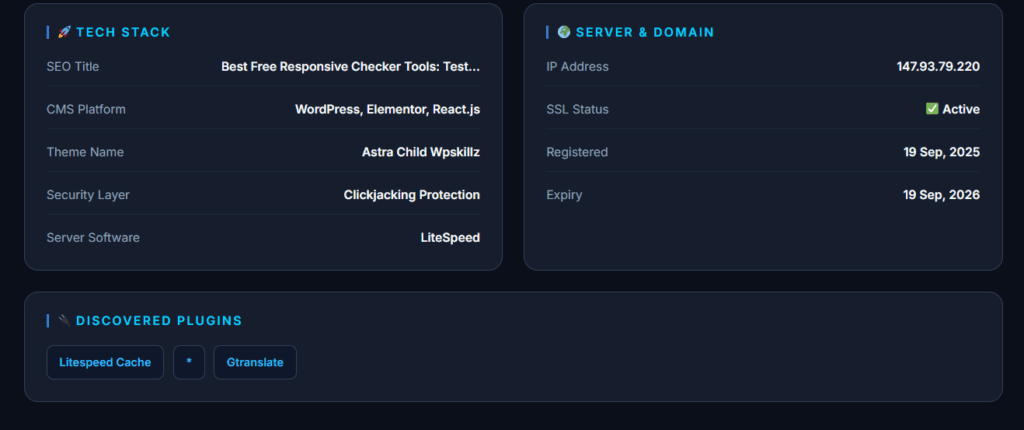
How it works:
- Copy the link of the site you like.
- Paste it into our website cms checker.
- Hit “Scan” and wait about 1 second.
Why this is better than others: Most tools just give you a name. Our website builder detector goes deeper. It shows you the Parent theme, the Child theme, and even the hidden plugins that make the site functional. If you’ve ever wondered, “What is this website built with?”, our tool gives you the full story without asking for a login or a credit card.
Method 2: The Manual “View Source” Method (For the Curious)
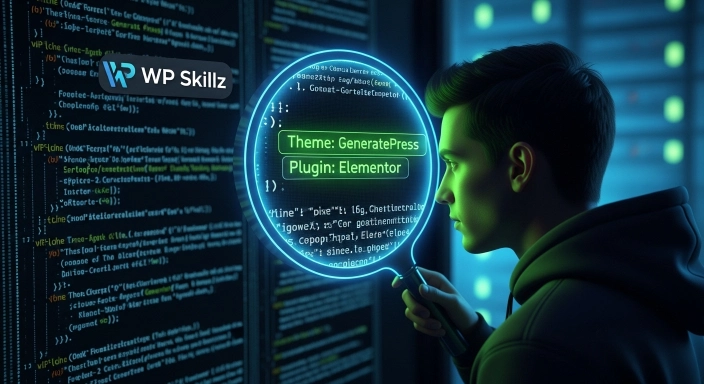
If you’re someone who likes to see how things work under the hood, you can try to check the cms of a website manually. It’s a bit like detective work. Every WordPress site has a “style.css” file that holds the theme’s identity.
How to do it:
- Right-click anywhere on the page and select “View Page Source” (or hit
Ctrl + U). - Press
Ctrl + Fand type “wp-content/themes/“. - The word right after “themes/” is usually the folder name of the theme.
- If you click the link to that folder’s
style.css, you can even see who created the theme and what version they are using.
The Catch: Some developers hide these folders to stay “private.” Also, if it’s a custom-coded site, this method won’t give you a simple name. This is where the best cms detector is much more helpful because it looks at more than just folder names.
Method 3: Browser Extensions (The “Set and Forget” Way)
You can also use a website cms checker Chrome extension. These are tiny tools that sit in your browser bar. When you visit a site, they light up to tell you if it’s WordPress, Shopify, or Wix.
The Downside: I usually tell my students to avoid too many extensions. Why? Because they eat up your computer’s RAM and can sometimes track your browsing habits. It’s much safer to use a cloud-based website detector like WP Skillz that doesn’t need to be installed.
Comparison: Which Method Should You Choose?
| Feature | WP Skillz Checker | Manual Check | Chrome Extensions |
| Speed | Instant (1 second) | Slow (3-5 minutes) | Instant |
| Effort | Low (Copy/Paste) | High (Reading Code) | Medium (Installation) |
| Plugin List | Yes, detailed | Very difficult | Limited |
| Security | 100% Safe | Safe | Risk of tracking |
Why Every Developer Needs a Website Platform Checker Online
As someone who has built hundreds of sites, I can tell you that a website cms checker free tool isn’t just for fun—it’s a professional necessity. Here is how it helps solve real problems:
- Beating Competitors: If a competitor’s site is ranking better, check their technology stack. Maybe they are using a specific SEO-friendly theme or a lightweight builder that you should be using too.
- Saving Money: Don’t buy a $60 theme just because it looks “okay.” Use a wordpress cms detector to find a theme that actually fits your needs by seeing what successful sites use.
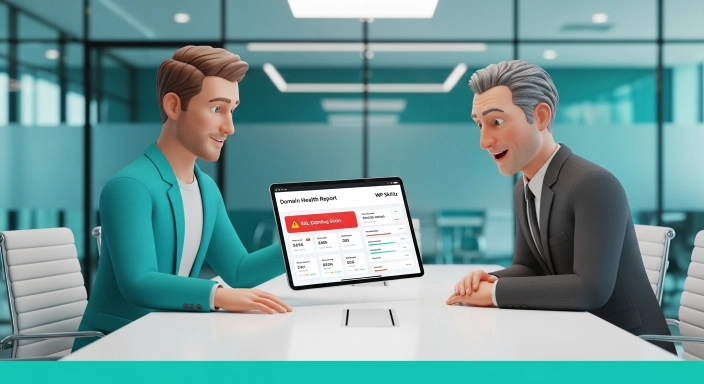
- Auditing Clients: Before you take on a new client, run their site through our website builder detector. It helps you see if their SSL is broken, where they are hosted, and if their domain is about to expire.
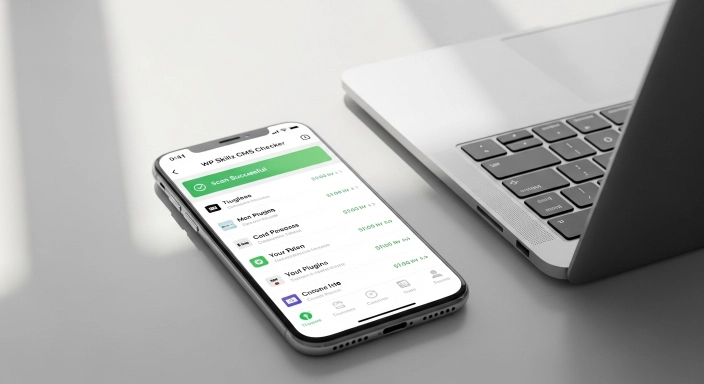
Personal Tip: I always check the “SSL” and “IP Address” when I scan. It tells me if the site is professionally managed or just a hobby project.
How to Check a Website CMS Without the Headache
The internet moves fast. Old detectors often give “False Positives” or fail to recognize new Shopify apps and WordPress blocks. We update our website platform checker online database every single month. Whether it’s a new Gutenberg block or a custom Shopify liquid build, we try to make sure our website detector stays the most accurate on the market.
The Bottom Line
Don’t spend hours guessing. If you see a website you love, just find out what’s running it. Whether you use the manual “hacker” way or our instant website cms checker, the goal is to learn and build something better.
Ready to see what your favorite site is hiding? Try our Website Technology Detector here and get your answers in seconds!
Frequently Asked Questions (FAQs)
Can I hide my theme from a website cms checker? Yes, there are plugins that “hide” your WordPress footprint. However, a best cms detector can still usually see the server signatures and tech patterns to tell you what platform it is.
Is it free to check the technology of any site? On WP Skillz, yes! Our website cms checker free tool has no daily limits. You can scan as many sites as you want.
Does this tool work for Shopify or Wix? Absolutely. It is a full website builder detector, meaning it recognizes almost every major platform, not just WordPress.
Why does it say “Custom Code” sometimes? If the website cms checker online says “Custom,” it means the developer didn’t use a standard CMS like WordPress. They probably wrote the code from scratch using HTML or React.