Why Is a JPG Image Compressor Vital for Your Website Speed in 2026?
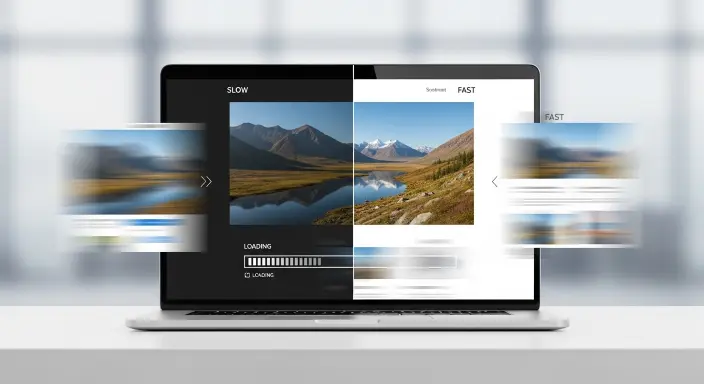
Let’s be honest—nothing kills a user’s interest faster than a “spinning wheel” on a website. You’ve spent hours creating high-quality content, but because your photos are “heavy,” your visitors bounce before the first paragraph even loads. If your site feels sluggish, the first thing you need to master is the use of a professional JPG image compressor.
In the modern era of Google’s Core Web Vitals, site speed isn’t just a luxury; it’s a ranking factor. Whether you are a blogger, an e-commerce owner, or a developer, knowing how to use a JPG compressor online effectively can mean the difference between the first page and the fifth page of search results.
Teacher’s Quick Fix : For the best SEO balance, use a jpg image compressor to reduce file sizes by up to 80%. As a rule of thumb, always compress jpeg to 100kb for main blog images and compress jpeg to 20kb for small thumbnails to ensure your LCP (Largest Contentful Paint) stays under 2.5 seconds.
What Exactly Does a JPG Image Compressor Do to Your Files?
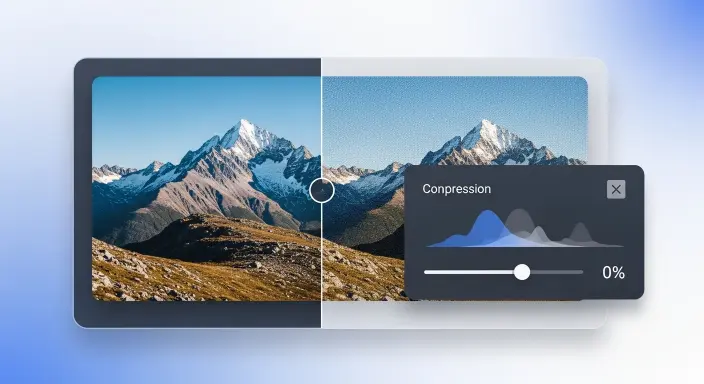
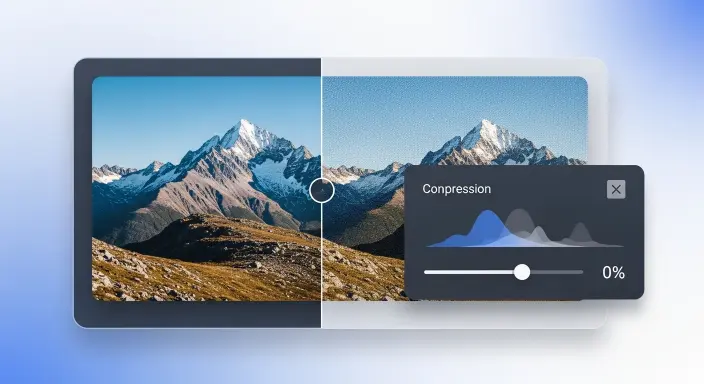
Think of a JPEG file like a suitcase. Most of the time, the suitcase is full of “unseen air”—unnecessary data like camera settings, color profiles, and technical metadata that the human eye can’t even perceive. A JPG image compressor “vacuums” out that air, making the suitcase light and easy to carry without changing the “clothes” (the actual image quality) inside.
If you are dealing with different file types, you might also need an Online Image Converter to switch between formats before you begin the compression process. This ensures your JPG compressor online works with the most efficient base file possible.
The Science of Lossy vs. Lossless Compression
When you use a JPG image compressor, you are usually using “Lossy” compression. This method intelligently removes data that the human eye doesn’t perceive. On the other hand, if you need to compress PNG, you often use “Lossless” methods to keep transparency intact. For those looking for next-gen performance, converting your files using an Image Quality Converter (WebP) is the professional secret to 2026 rankings.
Pro Strategy: Using WP Skillz Tools for Ultimate Optimization
As your mentor at WP Skillz, I always say: “Optimization is a chain.” One weak link can ruin your entire SEO efforts. While you focus on finding a free JPG compression service, don’t forget the bigger picture.
Before you start a bulk image compressor run on your entire media library, check your site’s current health. Use our PageSpeed Insights Alternative to identify exactly which pages are being slowed down by heavy images. For a deeper dive into tool selection, check out our Best Online Image Compressor Tool 2025 Guide.
Safety first! Always scan your Website for Viruses after uploading new media batches. And if you’re looking for the best keywords for your optimized photos, our Smart Keyword Idea Generator is a lifesaver for image SEO.
How to Compress Jpeg to 100kb, 50kb, or 20kb: A Masterclass
I once had a student who tried to resize images by “stretching” them in an editor. It was a disaster. Here is the Teacher’s Method to reach specific file sizes without ruining the visuals.
1. The 100kb Rule for Hero Banners
To compress jpeg to 100kb, set your quality slider to about 75-80%. This keeps the hero section sharp enough for desktop users while remaining light for mobile indexing.
2. The 50kb Target for Body Images
For images inside your articles, you can be more aggressive. Aim to compress jpeg to 50kb. At this size, the loading speed becomes almost instant on 4G and 5G networks.
3. The 20kb Limit for Icons and Avatars
Small graphics shouldn’t take up space. Use a specialized tool to compress jpeg to 20kb. If the image looks blurry, consider using our Online Image Converter to try a different format like SVG or WebP.
Why You Should Switch to a Bulk Image Compressor in 2026
If you have a website with hundreds of posts, uploading images one by one is a waste of time. I see many beginners say I love JPG compress manual tools, but professionals use a bulk image compressor.
Consistency: It ensures all your product photos have the same quality level.
Speed: Process 50 images in the time it takes to do one.
Smart Workflow: Combine compression with our WebP Converter for double the speed gains.
Technical Comparison: Compression Standards for 2025–2026
Compress JPEG to 20kb
Target Size
SEO Priority
Recommended Format
Hero Image
compress jpeg to 100kb
High (LCP)
JPEG / WebP
In-Post Graphics
compress jpeg to 50kb
Medium
JPEG / AVIF
Profile/Icons
compress jpeg to 20kb
High (FCP)
JPEG / PNG
Document Work
Varied
Low
jpg to pdf
Advanced Secret: Why Stripping Metadata Is Your Hidden SEO Weapon
Every time you take a photo, your phone saves “EXIF data”—this includes GPS location, camera model, and even the time of day. This data adds unnecessary weight to your file.
The best JPG image compressor doesn’t just shrink pixels; it strips this metadata. This protects your privacy and shaves off an extra 2-5% of file size. It’s a tiny detail, but in the world of WP Skillz, we know that tiny details are what make a site load in under 1 second!
Frequently Asked Questions (FAQs)
Q1: Is there a truly free tool that doesn’t lower quality?
High-quality tools (like the ones at WP Skillz) use smart algorithms where the human eye literally cannot see the difference at 70-80% quality.
Q2: When should I use JPG to PDF instead of compression?
If you are sharing a portfolio or a multi-page guide, use JPG to pdf. For website speed, always stick to a JPG image compressor.
Q3: Can I compress jpeg to 50kb for high-resolution photography?
It depends on the dimensions. Always use our Online Image Converter to resize the width (e.g., to 1200px) before you run the compression.
Final Thoughts from the Teacher
Optimization isn’t a “one-time” thing; it’s a habit. Every single image you upload is an opportunity to either speed up your site or slow it down. By mastering the use of a JPG image compressor, you are showing Google and your visitors that you value their time.
Take 10 minutes today to audit your most popular post. Check the image sizes. If they are over 300kb, use a bulk image compressor and watch your rankings climb.
For more advanced tips, check out our Complete SEO Guide 2025 or see how our Smart Dynamic Content Analyzer can help you protect your assets.
You can also watch our videos on our YouTube channel or comment on our Facebook page for more help.